


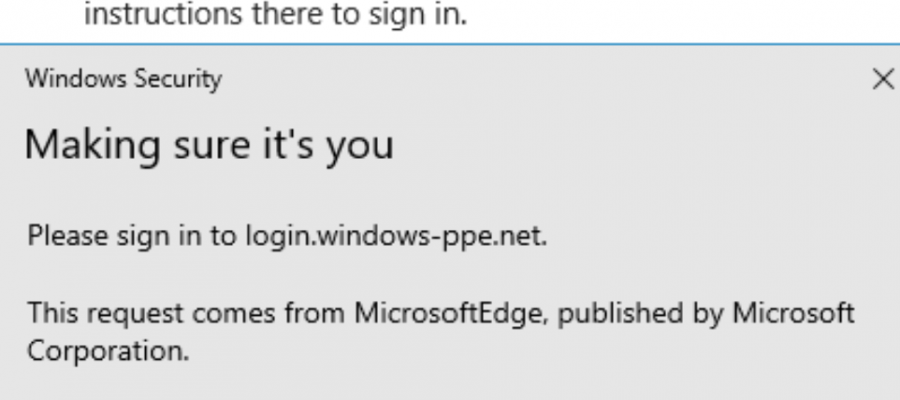
FIDO2 is an open authentication standard hosted by the FIDO Alliance that consists of the W3C Web Authentication specification (WebAuthn API), and the Client to Authentication Protocol (CTAP). FIDO2 is an extension of FIDO U2F and offers the same level of high security based on public-key cryptography. FIDO2 offers expanded authentication options, including strong single factor (passwordless), strong two-factor, and multi-factor authentication.

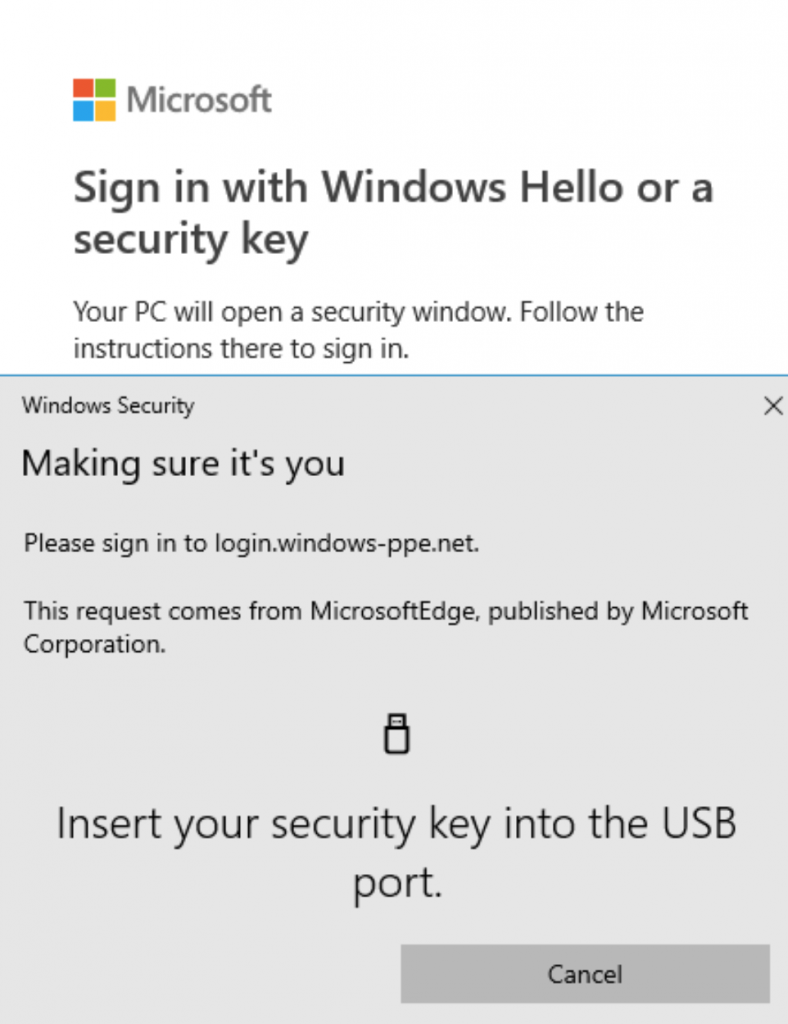
These FIDO2 security keys are typically USB devices but could also use Bluetooth or NFC (near field communication). FIDO2 security keys can be used to sign into their Azure AD, or hybrid Azure AD joined Windows 10 or 11 devices and get single-sign-on to their cloud and on-premises resources. Users can also sign into supported browsers. FIDO2 security keys are a great option for enterprises who are very security-sensitive or have scenarios or employees who aren’t willing or able to use their phone as a second factor.
- FIDO2 security keys are an unphishable specification-based passwordless authentication method that can come in any form factor
- Fast Identity Online (FIDO) is an open specification for passwordless authentication
- FIDO allows users and organizations to leverage the specification to sign into their resources without a username or password using an external security key or a platform key built into a device
How to Enable FIDO2 security key method in Azure AD
- Sign into the Azure portal.
- Browse to Azure Active Directory – Security – Authentication methods – Authentication method policy.
- Under the method FIDO2 Security Key, choose the following options:
- Enable – Yes or No
- Target – All users or Select users
- Save the configuration.